
Moving a practice out of its office and into a data centre
A firm of structural engineers gave up its rented office and kept everything that mattered: its PCs, its files and its network, now in a data centre and reached securely from anywhere.
The client
A structural engineering practice that has been a client for more than 20 years.
The aim
Give up the rented office without giving up the powerful PCs, shared storage and network the work depends on.
What we did
Moved the PCs, firewall, switches, storage and backups into our own rack space in a data centre, with secure remote access for everyone.
The result
No office to rent, a much faster connection, and equipment that is better protected than it could ever be in an office.
The situation
The practice’s people could already do most of their work from home. What kept the office open was the equipment in it: high-specification PCs for drawings and calculations, a storage array full of project files, and the network that tied them together.
Renting premises to house computers is an expensive way to run them. An office also offers little protection: one internet line, one power supply, a door lock and no one watching overnight.
The answer was to move the equipment somewhere designed for it, and to let the engineers reach it from wherever they were.
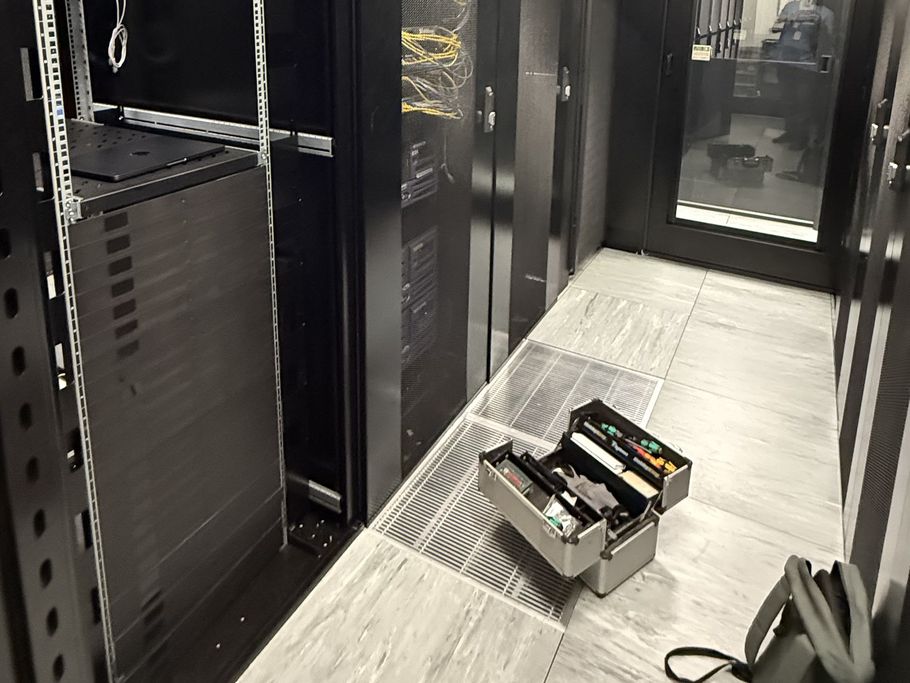
What moved
Everything the practice ran in its office, now in the data centre.
The engineers’ PCs
The workstations used for drawings and calculations now sit in the rack. Each person connects to their own PC from wherever they are working.
Firewall
A business firewall controls what reaches the equipment, and remote access is only possible over an encrypted connection.
Switches
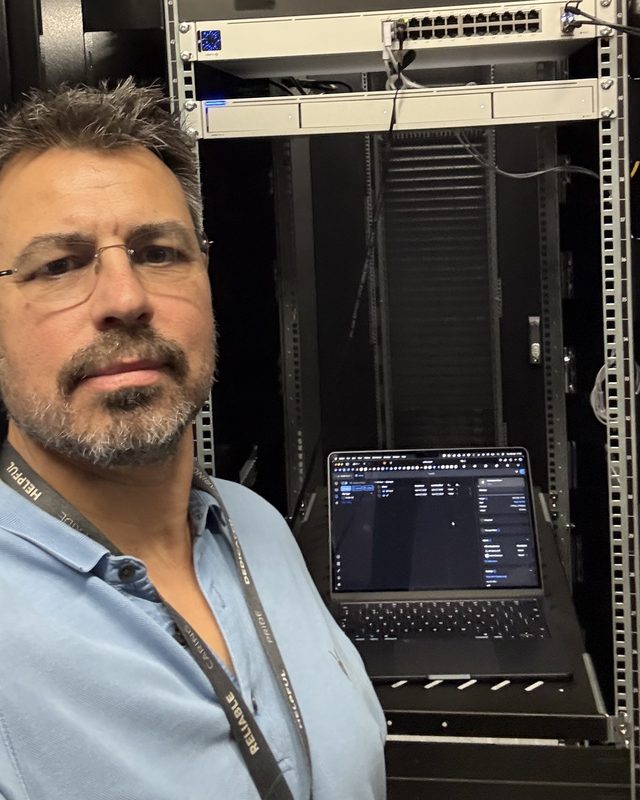
New network switches connect everything in the rack, with each port labelled and recorded.
Storage
The storage array that holds the practice’s project files moved with the PCs, so the files stay next to the machines that use them.
Backups
Backups continue to run and to be checked every day, exactly as they did in the office.
Monitoring
Every device in the rack is watched around the clock, so a fault is picked up before anyone is affected.
How the move was done
The aim was that nobody lost a working day.
- Step 1
Design
We planned the rack, the network and the remote access on paper first, and agreed it with the client.
- Step 2
Build in parallel
The firewall, switches and storage were installed and tested in the data centre while the office carried on working as normal.
- Step 3
Copy the data ahead
All of the practice’s data was copied across in advance, so nothing large had to move on the day.
- Step 4
Cut over at the weekend
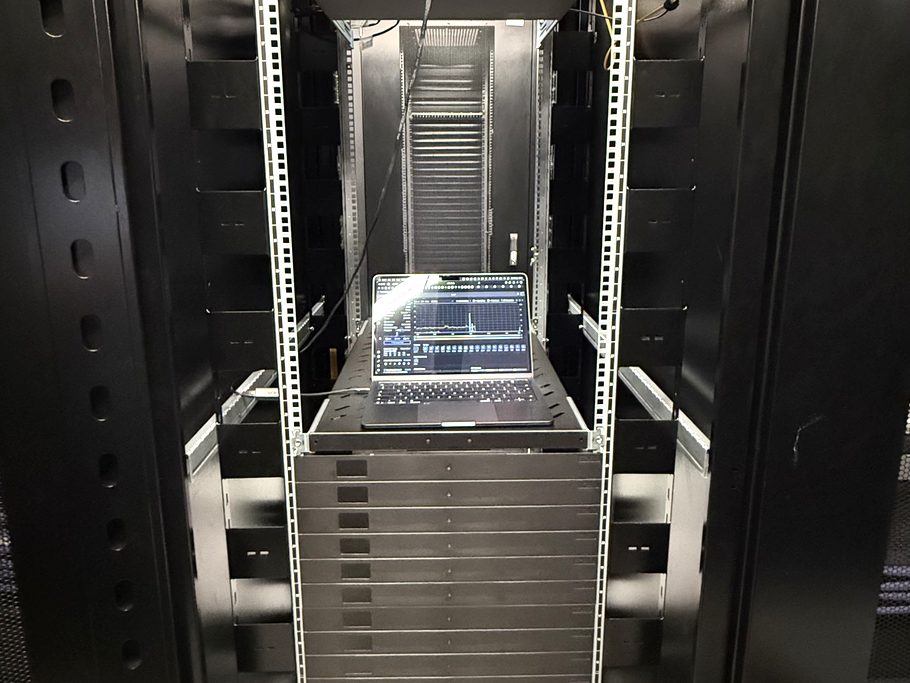
The PCs were moved from the office to the rack over a weekend. That journey was the only time the systems were unavailable.
Why building in parallel matters
The risky way to move an office is to unplug everything on Friday, carry it across town and hope it all works on Monday.
We did the opposite. The new network and storage were running in the data centre, tested and with the data already on them, before anything in the office was touched. On the weekend of the move the only job left was to carry the PCs across and plug them in.
If anything had gone wrong, the office was still there to go back to.
What is better now
- No office to rent. The practice no longer pays for premises it only needed because the equipment was there.
- A much faster internet connection than the office ever had.
- Physical security. Access to the building and the rack is controlled and recorded.
- Power that does not fail. The rack has more than one power feed, backed by batteries and generators.
- More than one internet connection, so a single fault does not cut the practice off.
- A room built for computers: cooled and monitored around the clock.
- Work from anywhere. Home, a client’s office or a site: the same PC, the same files.
- Room to grow. Another PC or more storage is a shelf in the rack, not a bigger office.
Could this work for your business?
It suits firms whose people can work from anywhere but whose equipment cannot: engineers, architects, surveyors and others with powerful PCs and large files. It also suits any business paying for an office mainly to house a server.
We look after everything involved: networks, backup, monitoring and security and support for your people. See data centre hosting for how it works and what we can host. A free IT review will tell you whether a move like this makes sense for you.
Thinking about giving up your office?
Start with a free review of your IT: about an hour, no obligation, and a short written summary of what we find.